LiftMaster Press the Push Bar to Activate Control
The “press the push bar to activate control” message on a LiftMaster wall panel is a synchronization prompt, not an error. It tells you the wall control needs to re-pair with the opener, and you fix it by pressing the push bar up to three times. This message most often appears after a power outage or system reset. Understanding what it means saves you an unnecessary service call and gets your door moving in under two minutes. This guide covers the activation process, the Lock feature, programming functions, and what to do when the push bar does not respond.
Why does your LiftMaster say “press the push bar to activate”?
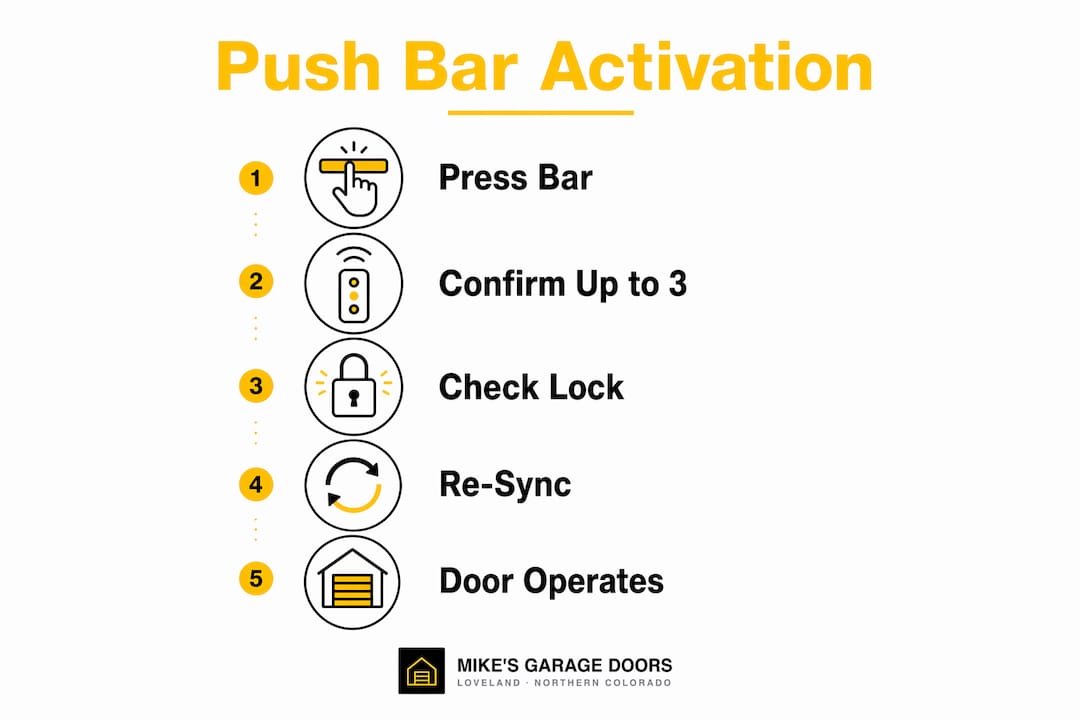
The message is a pairing prompt. Synchronizing the wall control requires pressing the push bar up to 3 times to confirm the connection between the panel and the opener. Each press sends a signal; the opener confirms receipt by moving the door or flashing a light.
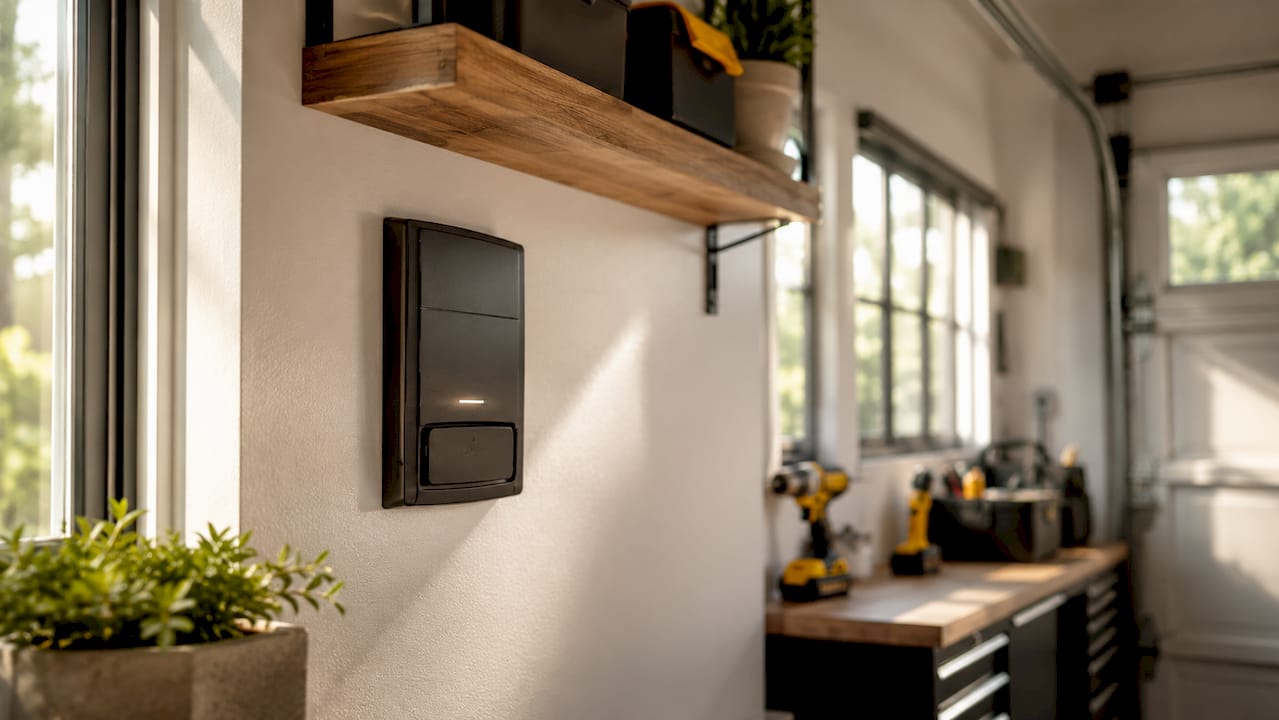
This prompt most commonly appears after a power outage or a full system reset. After power loss, the wall control loses its synchronized state and must re-establish communication with the opener through sequential pressing. Homeowners who skip this step often assume the opener is broken, when the system is simply waiting for confirmation.
The push bar and the Learn button serve completely different purposes. The push bar is the manual interface for door movement, light control, and system status. The Learn button programs external devices like remotes and keypads. Pressing the push bar will never program a remote, and pressing the Learn button will never open your door.
Here is what triggers the activation prompt:
- Power outage or circuit breaker trip
- Deliberate or accidental factory reset of the opener
- Replacing the wall control panel with a new unit
- Wiring interruption that breaks communication between the panel and the opener
Pro Tip: If the prompt appears without any obvious cause, check whether someone accidentally held the Lock button. Lock mode can mimic a synchronization failure by blocking all remote signals while leaving the push bar functional.
How to use the LiftMaster push bar to activate and control the door
Follow these steps to complete LiftMaster control activation after the prompt appears.
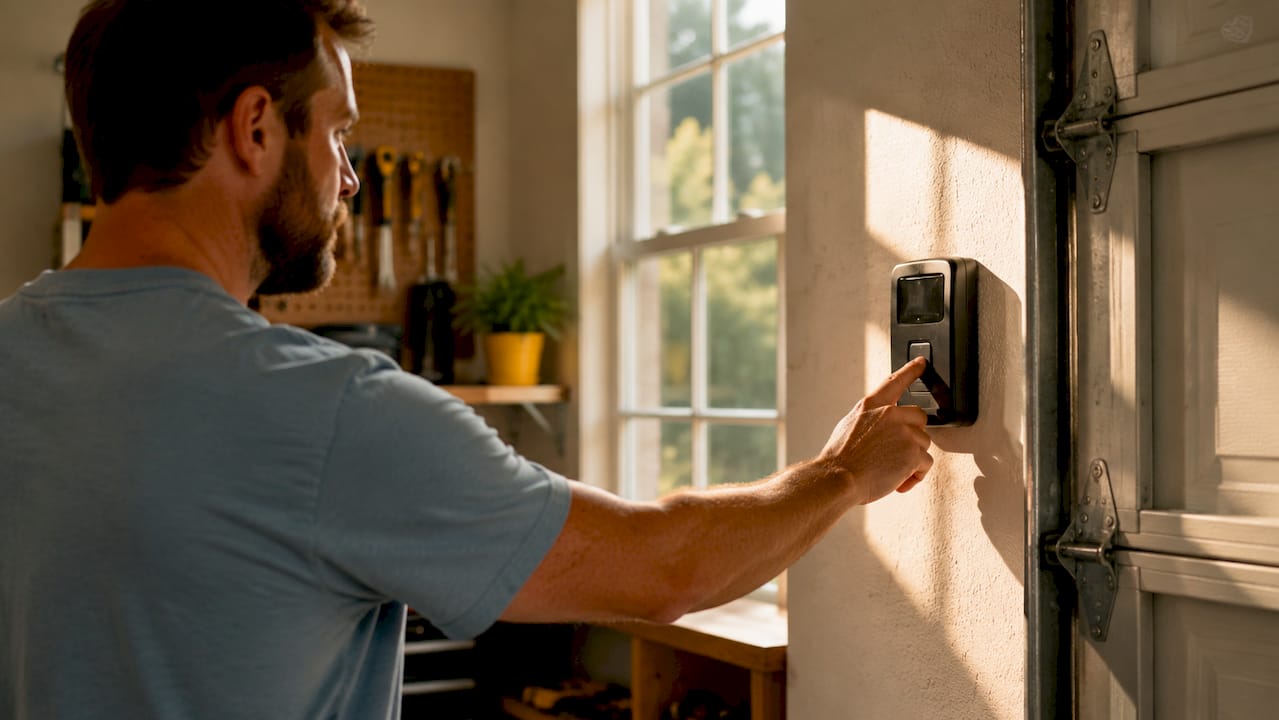
- Stand at the wall control panel. Locate the push bar, which is the large horizontal bar across the face of the panel. Do not press the smaller buttons yet.
- Press the push bar once. Watch the door and the indicator light on the panel. The door should begin to move, or the light should flash to confirm signal receipt.
- Press again if nothing happens. The synchronization process allows up to 3 presses. Each press is a fresh attempt to confirm pairing.
- Confirm activation. A successful sync shows up as door movement, a solid indicator light, or a single beep from the opener unit on the ceiling.
- Test your remote. Once the push bar activates the door, press your remote from inside the garage. If the remote works, the system is fully operational.
- Check the Lock feature if remotes still fail. Press and hold the Lock button on the panel for 2 seconds. A flashing push bar light means Lock mode is active and is blocking remote signals. Holding the Lock button for 2 seconds disables it, and the flashing stops.
Pro Tip: The Lock feature is designed for vacation use. If your remotes suddenly stop working but the push bar still opens the door, Lock mode is almost always the reason. Check it before replacing batteries or reprogramming remotes.
Understanding the Lock feature
The Lock feature on LiftMaster multi-function panels disables all remote controls and keypads while keeping the push bar active. This is useful when you leave for an extended trip and want to prevent anyone from using a remote to enter. The problem is that it activates easily. A child leaning on the panel or a bag brushing the button can switch it on without anyone noticing. Checking Lock status takes five seconds and resolves a large share of “my remote stopped working” calls.
What causes the push bar activation prompt to not respond?
A persistent prompt with no door movement after three presses points to one of four problems. Loose or faulty wiring is the most common overlooked cause of intermittent or total wall control failure. The wall control connects to the opener through two-conductor bell wire, and a loose terminal on either end breaks the signal completely.
The second cause is accidental Lock mode activation. Checking Lock status on the wall console is the most efficient first step before any other troubleshooting. Many homeowners skip this and go straight to resetting the opener, which wastes time and can erase programmed remotes.
The third cause is compatibility. Modern LiftMaster wall controls like the 880LMW and 882LMW series are built for Security+ 2.0 openers with yellow Learn buttons. Installing one of these panels on an older opener without a yellow Learn button produces exactly the non-responsive behavior that looks like a push bar failure.
| Problem | Symptom | Fix |
|---|---|---|
| Loose wiring | Intermittent or no response | Reseat both wire terminals at panel and opener |
| Lock mode active | Push bar works, remotes do not | Hold Lock button 2 seconds to disable |
| Incompatible opener | No response at all | Confirm opener has yellow Learn button for Security+ 2.0 |
| Power issue | Panel display is blank | Check circuit breaker and outlet at opener |
Run through this checklist before calling for service:
- Confirm the opener has power and the ceiling light on the unit turns on
- Check the push bar light for flashing, which signals active Lock mode
- Inspect the wire connections at the back of the wall panel and at the opener’s terminal screws
- Verify the wall control model matches your opener’s compatibility requirements
- Try a 4-minute diagnostic if the door still does not respond
How does the push bar interact with programming and Wi-Fi setup?
The push bar plays a hidden role in Wi-Fi setup that most homeowners never discover. On LiftMaster multi-function panels, lifting the push bar reveals a concealed Learn button underneath. Pressing that hidden Learn button causes the opener to beep once and the command LED to blink, opening a 20-minute window to connect the system to Wi-Fi through myqdevice.com.
This design creates a common point of confusion. Homeowners searching for the Learn button often press the push bar itself instead of lifting it to find the button underneath. Pressing the push bar does not enter programming mode. It only operates the door.
The Learn button and push bar serve entirely separate functions, and mixing them up is the leading cause of failed programming attempts. Here is a clear breakdown:
- Push bar pressed: Opens or closes the door, controls the light, activates the timer-to-close feature
- Push bar lifted: Exposes the hidden Learn button on select models like the 882LMW
- Learn button pressed once: Enters remote pairing mode, LED blinks to confirm
- Learn button held 6 seconds: Erases all programmed remotes and keypads
The 20-minute Wi-Fi setup window is generous, but the process fails if you press the push bar instead of the Learn button underneath it. Take a moment to physically lift the bar before pressing anything during setup. The limit switch settings on the opener also affect how the door responds during programming, so confirm those are correct if the door behaves erratically mid-setup.
Key Takeaways
The LiftMaster push bar activation prompt is a synchronization request, not a malfunction, and pressing the bar up to three times resolves it in most cases.
| Point | Details |
|---|---|
| Activation prompt meaning | The message signals the wall control needs to re-pair with the opener after a reset or power loss. |
| Press up to 3 times | Each push bar press sends a pairing signal; door movement or a light flash confirms success. |
| Lock mode check first | A flashing push bar light means Lock is active and blocking remotes; hold Lock button 2 seconds to disable. |
| Wiring is the hidden culprit | Loose two-conductor bell wire terminals cause intermittent failures that look like push bar problems. |
| Push bar vs. Learn button | The push bar operates the door; the Learn button programs remotes. Mixing them up causes most setup failures. |
What I’ve learned from watching homeowners fight their own garage doors
The push bar activation message trips up more homeowners than almost any other LiftMaster prompt. I’ve watched people reset their openers three times in a row, erase all their programmed remotes, and still end up with the same message because they never understood what it was asking for in the first place.
The biggest misconception is that “activate control” means something is broken. It does not. The system is working exactly as designed. It just wants you to confirm the wall panel is physically present and connected. Three presses of the push bar is all it takes.
The second thing I see constantly is homeowners ignoring the Lock feature. That flashing light on the push bar is not decorative. It is telling you that every remote in your house is currently disabled. Check it before you do anything else.
Wiring is the third piece most people overlook. A loose terminal screw on a two-conductor bell wire looks like a dead panel. It takes 30 seconds to check and can save you a service call. If you are not comfortable pulling the panel off the wall, that is a fair call. But at least rule out Lock mode and power before you pick up the phone.
The LiftMaster system is well-built. Most of the time, the door is not the problem. The problem is not knowing what the system is asking you to do.
— Eddie
Garage door trouble in Loveland? Mikes garage doors Loveland can help
When the push bar prompt will not clear and your own troubleshooting hits a wall, Mikes garage doors Loveland is ready to step in. The team handles LiftMaster control panels, wiring issues, and opener repairs across Northern Colorado, with same-day garage door service available for most jobs.
Mikes garage doors Loveland gives you a straight, upfront estimate over the phone before anyone shows up at your door. No surprise charges, no upselling. Veterans receive a 10% discount on all services. Whether you need a wall control replaced, a wiring fix, or a full opener swap, the team brings the parts and the experience to get it done right the first time. Call or visit garagedoorrepairsloveland.com to schedule your service today.
FAQ
What does “press the push bar to activate control” mean on LiftMaster?
It is a synchronization prompt telling you the wall control needs to re-pair with the opener. Pressing the push bar up to 3 times completes the pairing process.
Why does my LiftMaster push bar not activate the door?
The most common causes are active Lock mode, loose wiring terminals, or a compatibility mismatch between the wall control and the opener model. Check the push bar light for flashing before anything else.
How do I turn off the Lock feature on my LiftMaster wall control?
Press and hold the Lock button on the panel for 2 seconds. The push bar light stops flashing once Lock mode is disabled, and remotes will work again immediately.
What is the difference between the push bar and the Learn button?
The push bar opens and closes the door. The Learn button programs remotes and keypads. On some models like the 882LMW, the Learn button is hidden underneath the push bar and only accessible by lifting it.
How do I set up Wi-Fi on my LiftMaster wall control?
Lift the push bar to expose the hidden Learn button, then press it once. The opener beeps and the command LED blinks, giving you a 20-minute window to connect through myqdevice.com.
Recommended
- Garage Door Opener Not Working? Walk Through This 4-Minute Diagnostic Before You Call | Mike’s Garage Door Repair Loveland
- How to Reset Garage Door Limit Switches: 2026 Guide
- Garage Door Off the Track? Don’t Force It — Here’s What to Do | Mike’s Garage Door Repair Loveland
- Garage Door Services in Loveland, CO — Spring, Opener, Commercial & Custom
Need a hand with your door?
Talk to a real tech — most calls are diagnosed in under two minutes.